Usage Based Billing is an advanced feature enabling you to charge customers based on their real-time application usage.
Overview
Solifyn has a powerful Usage Based Billing infrastructure that allows you to charge your customers based on the usage of your application. This is done by ingesting events from your application, creating Meters to represent that usage, and then adding metered prices to Products to charge for it.Concepts
Events
Events are the core of Usage Based Billing. They represent a single unit of consumption or usage done by a customer in your application. Typical examples of events include:- A customer consumed AI LLM tokens
- A customer streamed minutes of video
- A customer made an API request
event_id: A unique identifier for the event to ensure idempotency.customer_id: The Solifyn customer ID associated with the usage event.event_name: The string identifier matching a configured meter’s event name (e.g.api.request).value: An optional numeric value representing the quantity of consumption (defaults to1).metadata: A JSON object containing custom key-value pairs used for filters or advanced aggregation.timestamp: An optional ISO 8601 string representing when the event occurred.
Meters
Meters are there to filter and aggregate the events that are ingested. Said another way, this is how you define what usage you want to charge for, based on the events you send to Solifyn. For example:- AI usage meter, which filters the events with the name
ai_usageand sums thetotal_tokensfield. - Video streaming meter, which filters the events with the name
video_streamedand sums thedurationfield. - File upload meter, which filters the events with the name
file_uploadedand sums thesizefield.
Metered Price
A metered price is a price that is based on the usage of a meter, which is computed by filtering aggregating the events that are ingested. This is how you charge your customers for the usage of your application.Quickstart
Get up and running in 5 minutesCreate a Meter
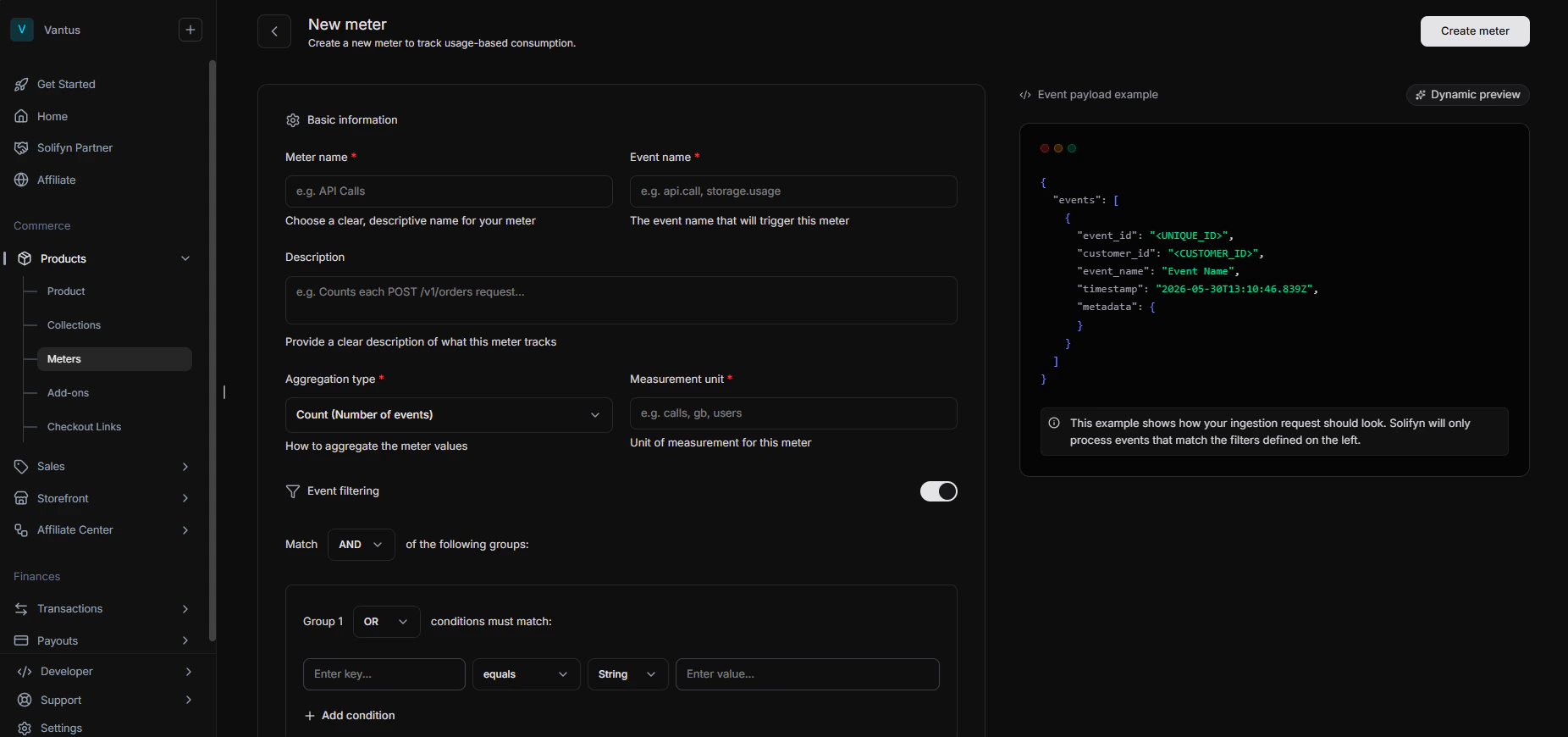
Meters consist of filters and an aggregation function.
The filter is used to filter the events that should be included in the meter and the aggregation function is used to compute the usage.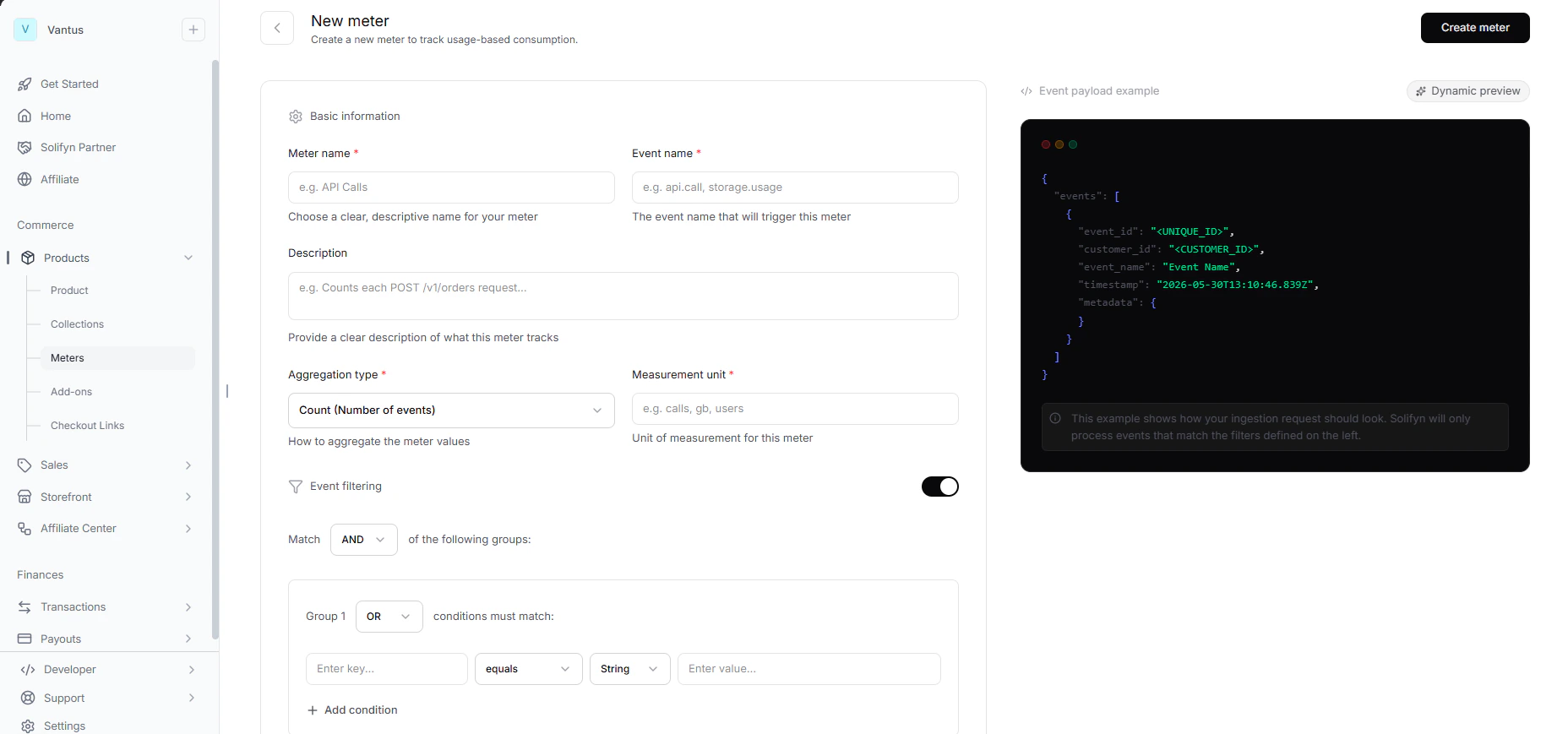
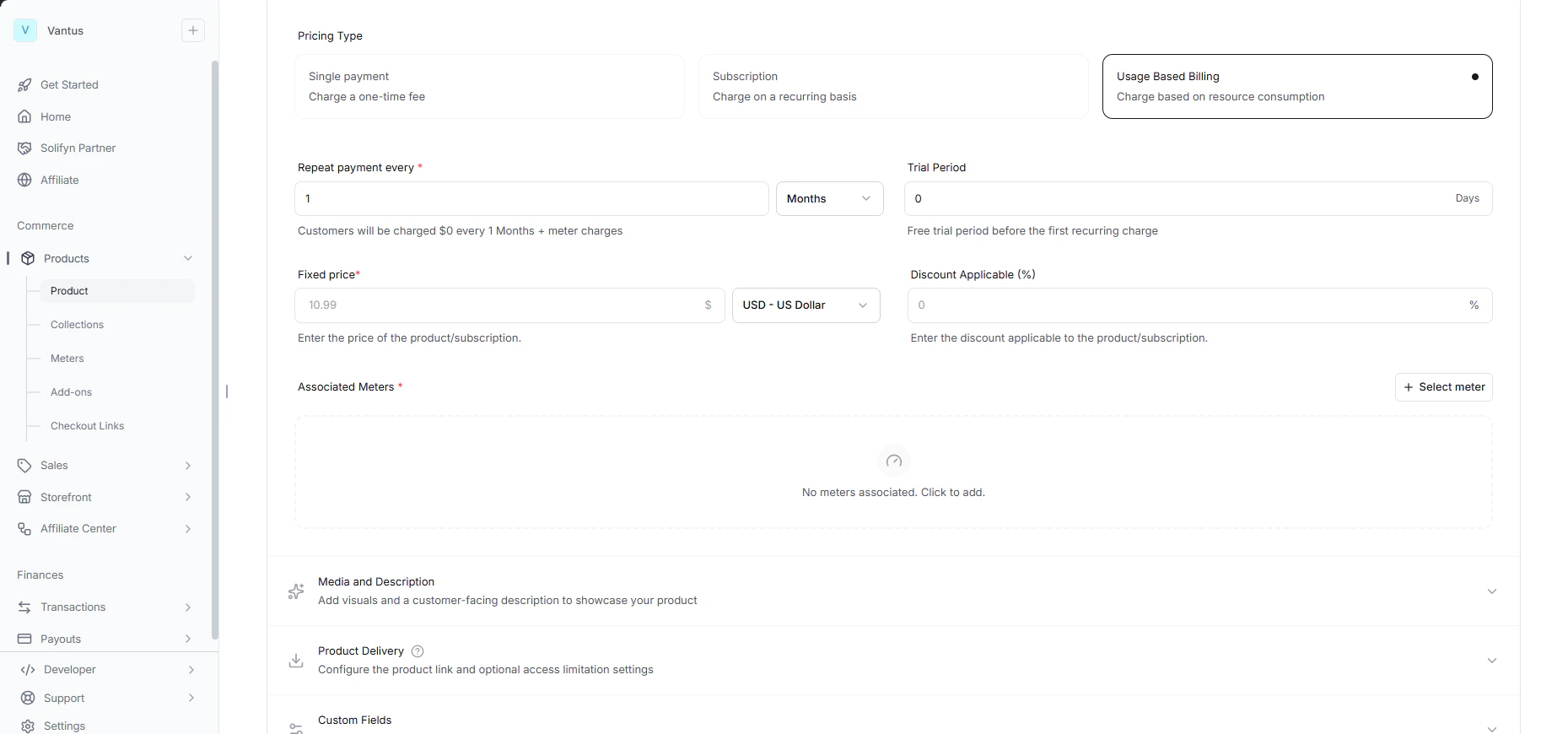
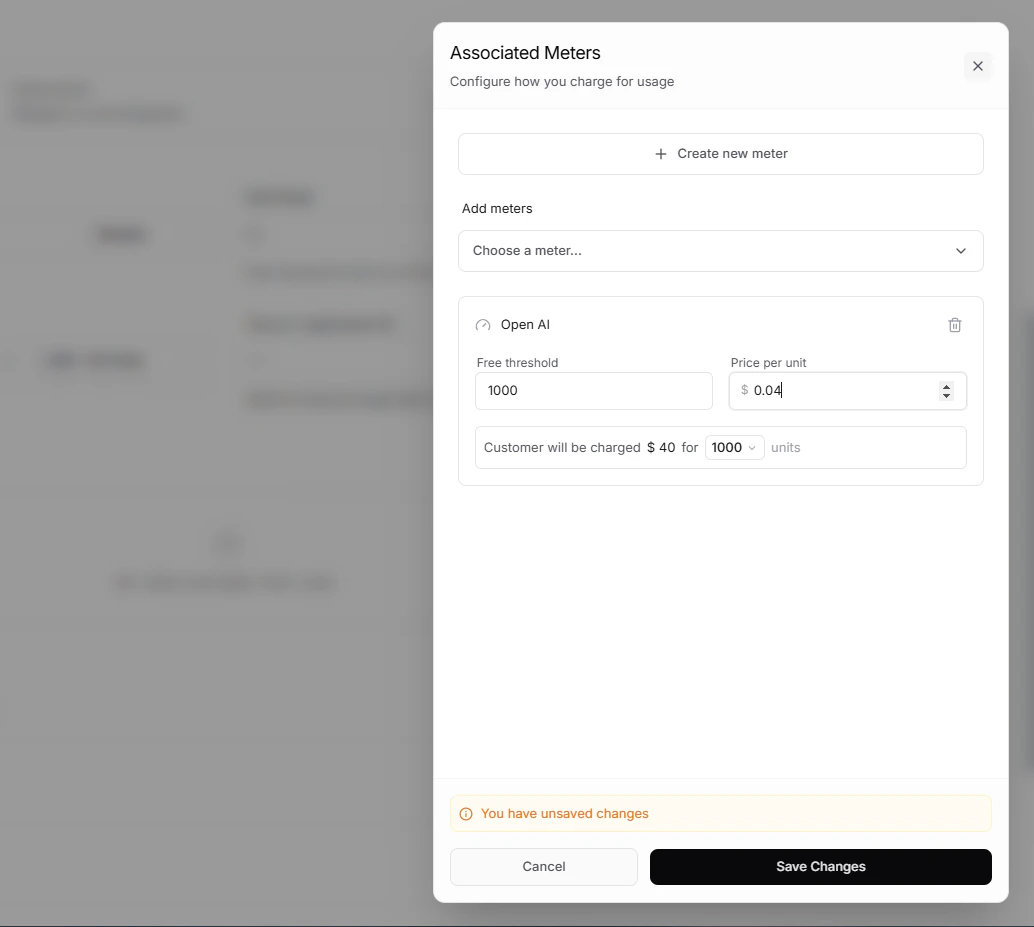
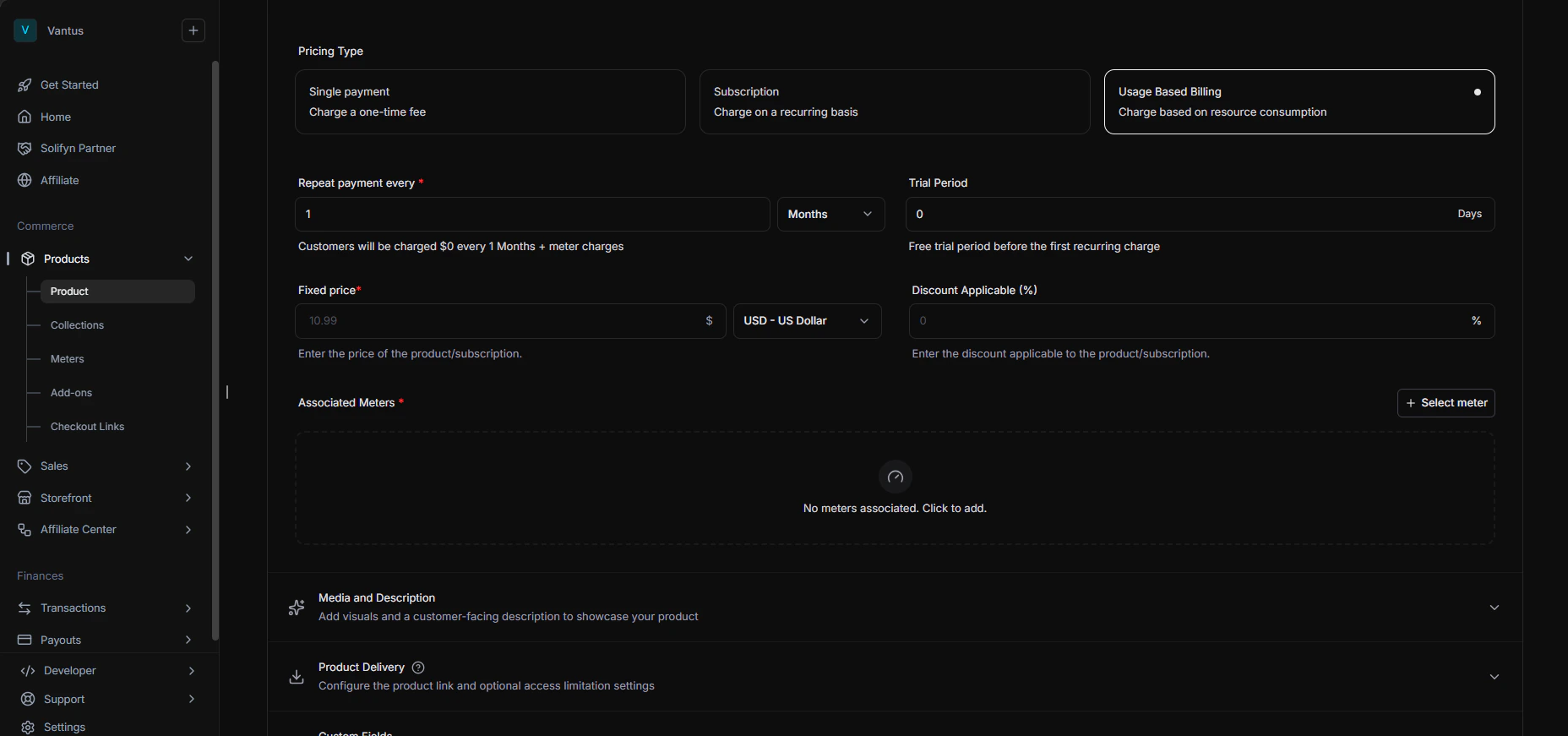
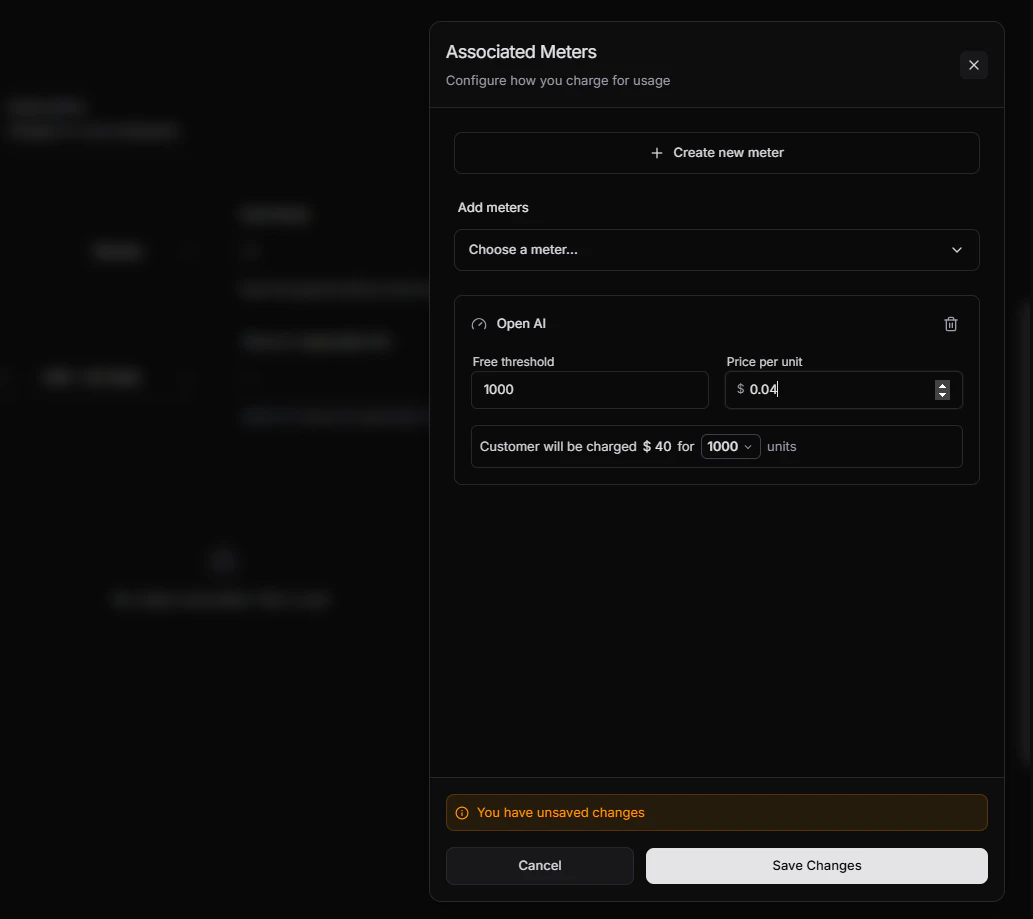
Add metered price to a Product
To enable usage based billing for a Product, you need to add a metered price to the Product. Metered prices are only applicable to Subscription Products.