

Orders List
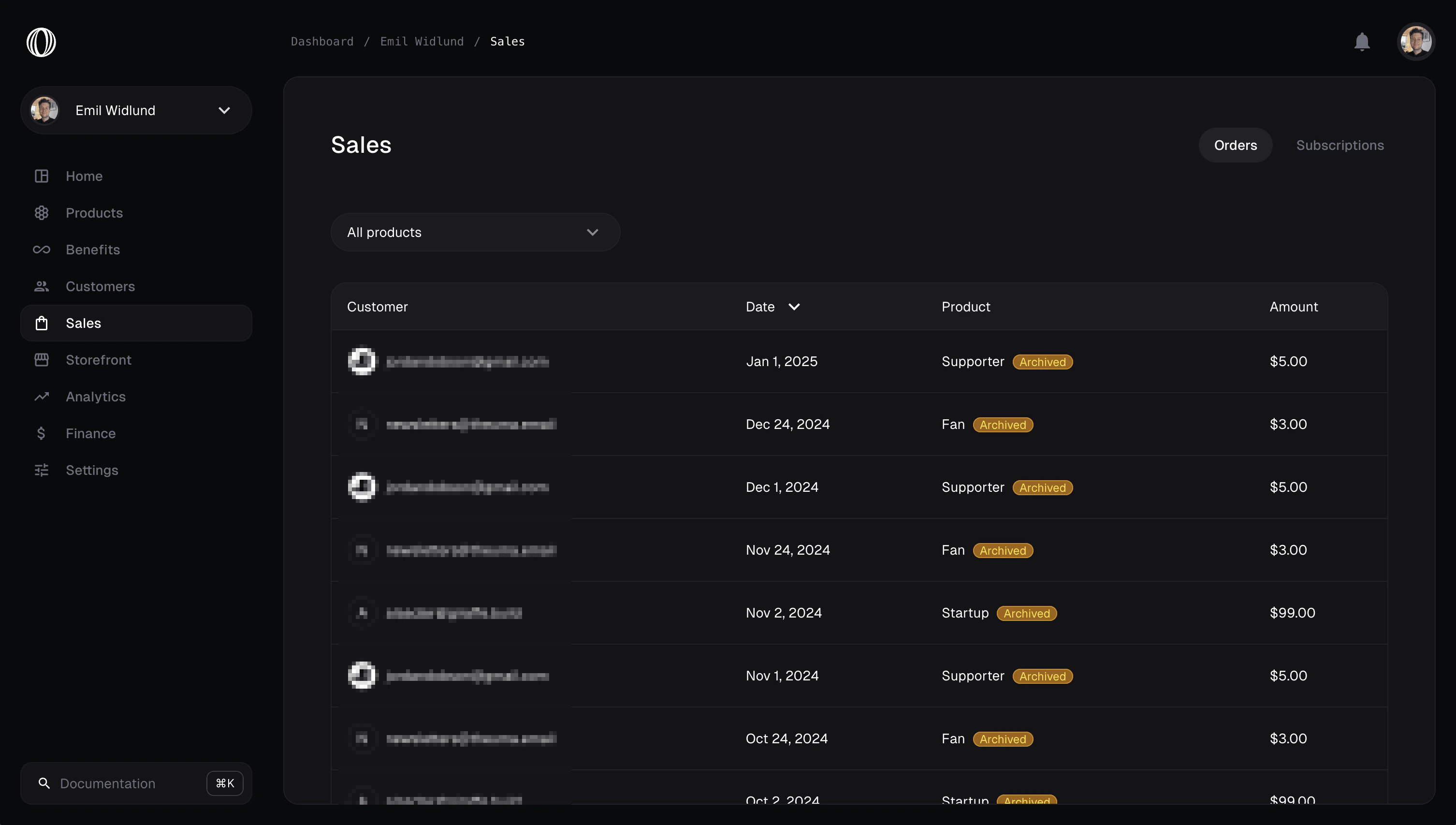
The Orders (Payments) dashboard displays a chronological, paginated list of all customer transaction records for your active business.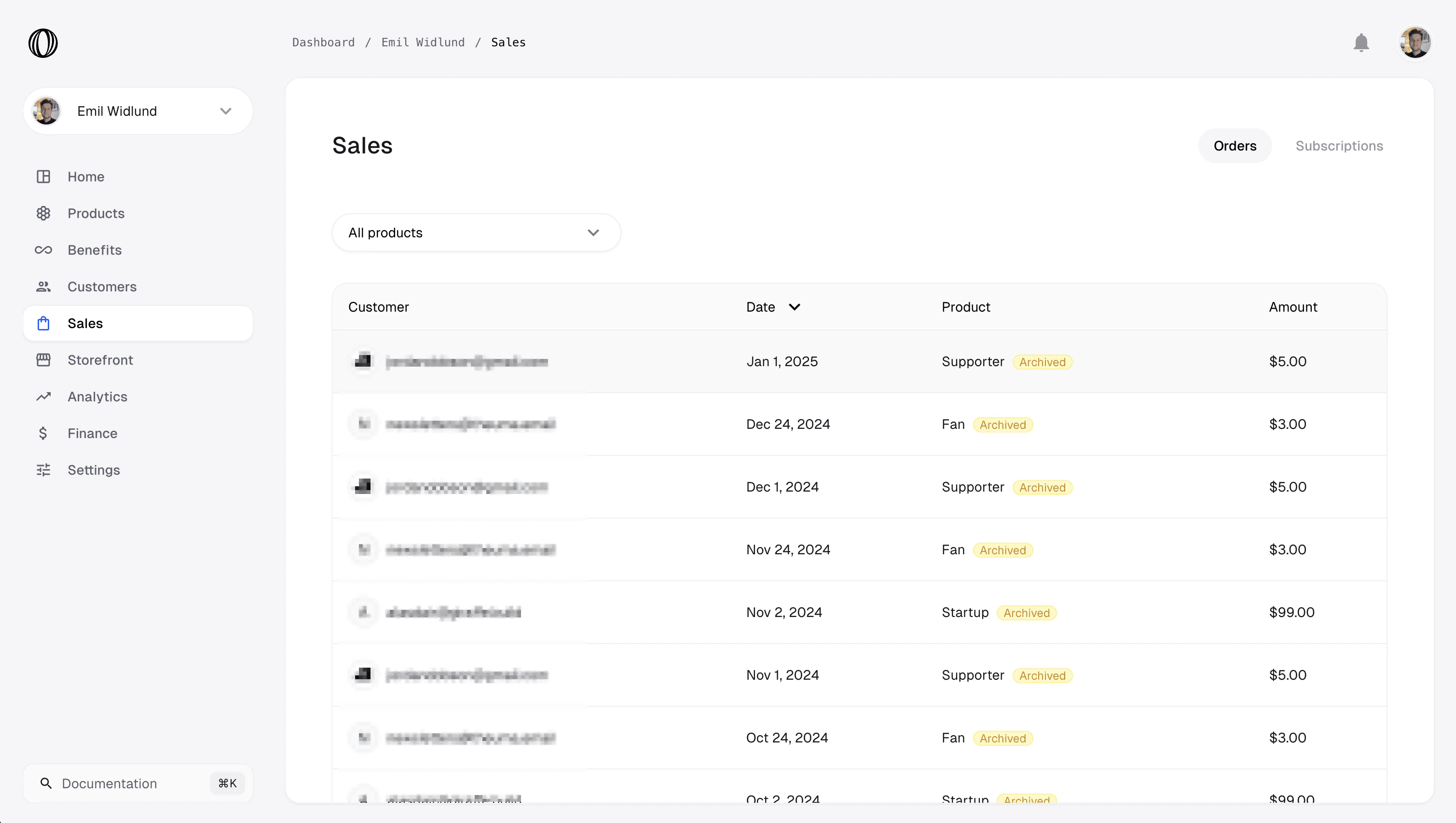
- Amount: Total paid by the customer, net volume, and fees.
- Customer: Basic name and email details.
- Status: The payment transaction state (e.g.
succeeded,pending,failed,refunded,disputed). - Payment Method: Credit card brand, card last 4, Apple Pay, etc.
Order & Subscription Details
Clicking any order opens the detail panel showing the transaction’s full history:- Invoice: Download PDF invoice receipts.
- Billing Address: View and update the customer’s billing address.
- License Key: View any associated software license key issued for the purchase.
- Add-ons & Seats: View child product add-ons and seat count adjustments.
- Refund Details: Record, process, or track full and partial refunds.
Checkout Sessions
The Checkouts tab lists all checkout sessions initiated by customers (via shareable links or the API). A checkout session can have one of the following states:- PENDING: The session is active and awaiting customer payment details.
- COMPLETED: The payment succeeded, and the transaction is committed.
- EXPIRED: The session has timed out without a purchase.