

Managing Customers
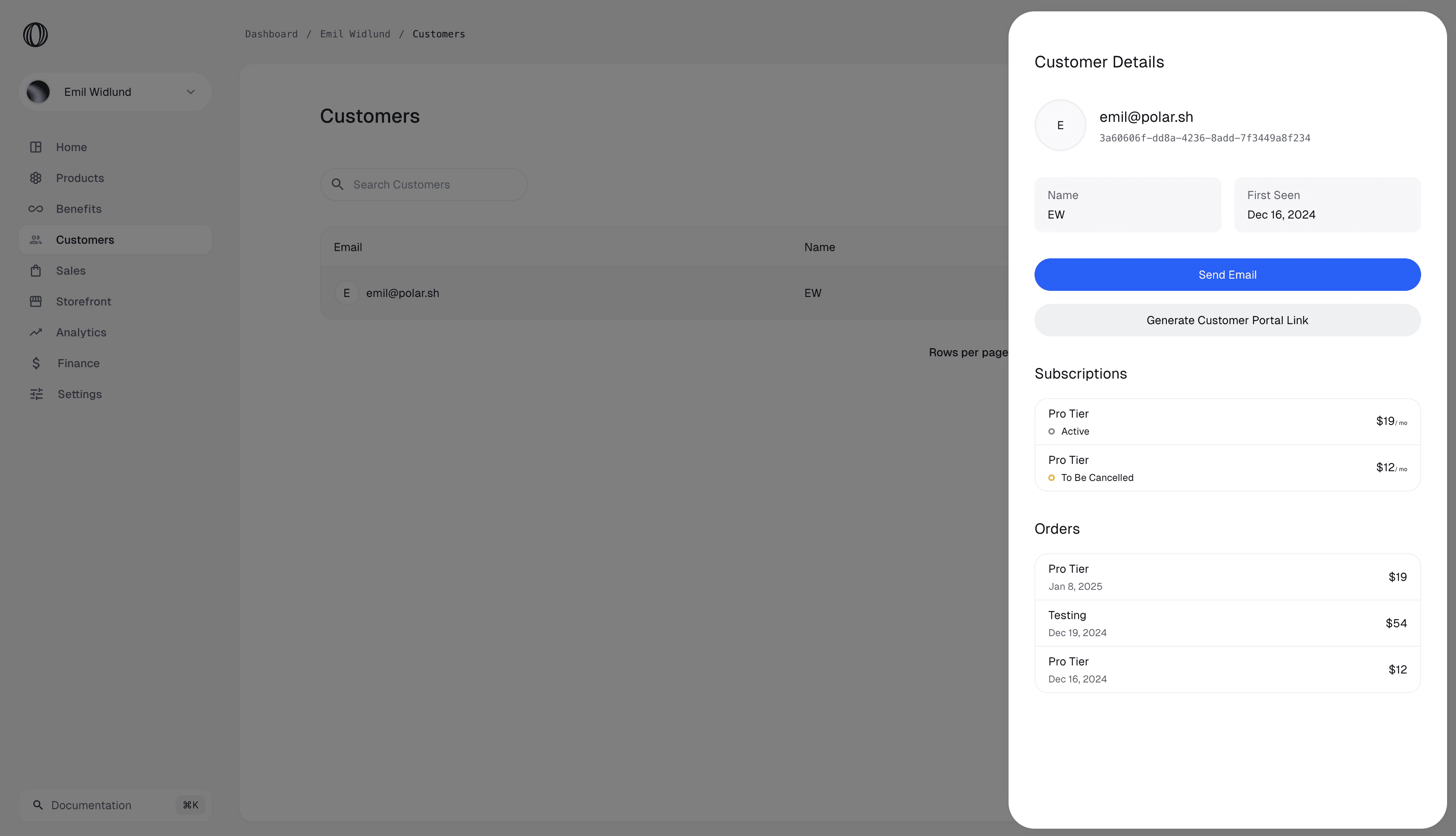
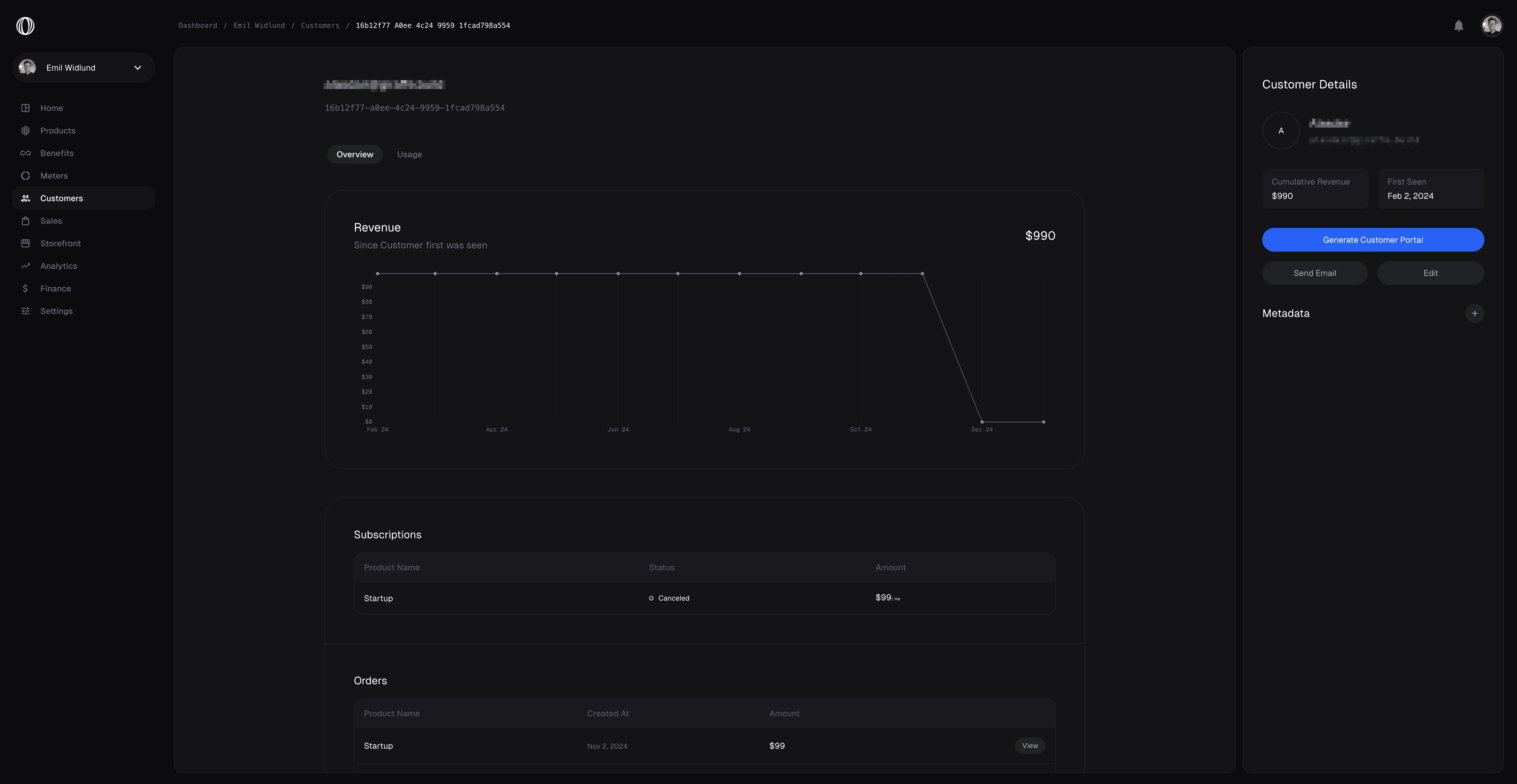
Every individual who successfully makes a purchase or initializes a subscription is automatically recorded as a Customer in your active Business workspace. From the Customers dashboard, you can:- View a comprehensive list of all customers.
- Inspect individual profiles to see their name, email, phone, and username.
- Review a complete timeline of their past payments, active memberships/subscriptions, and refunds.
Customer Fields
Each Customer record contains:- Email: The primary contact and billing email (used to resolve login and receipts).
- Name: The customer’s full name.
- Username: The customer’s platform username (e.g. Whop handle).
- Phone: The customer’s contact phone number.
- Metadata: A custom JSON object containing key-value pairs.
Customer Metadata
You can attach custom metadata fields to Customer profiles. This is highly useful for mapping custom user roles, business tiers, or internal database identifiers from your primary application.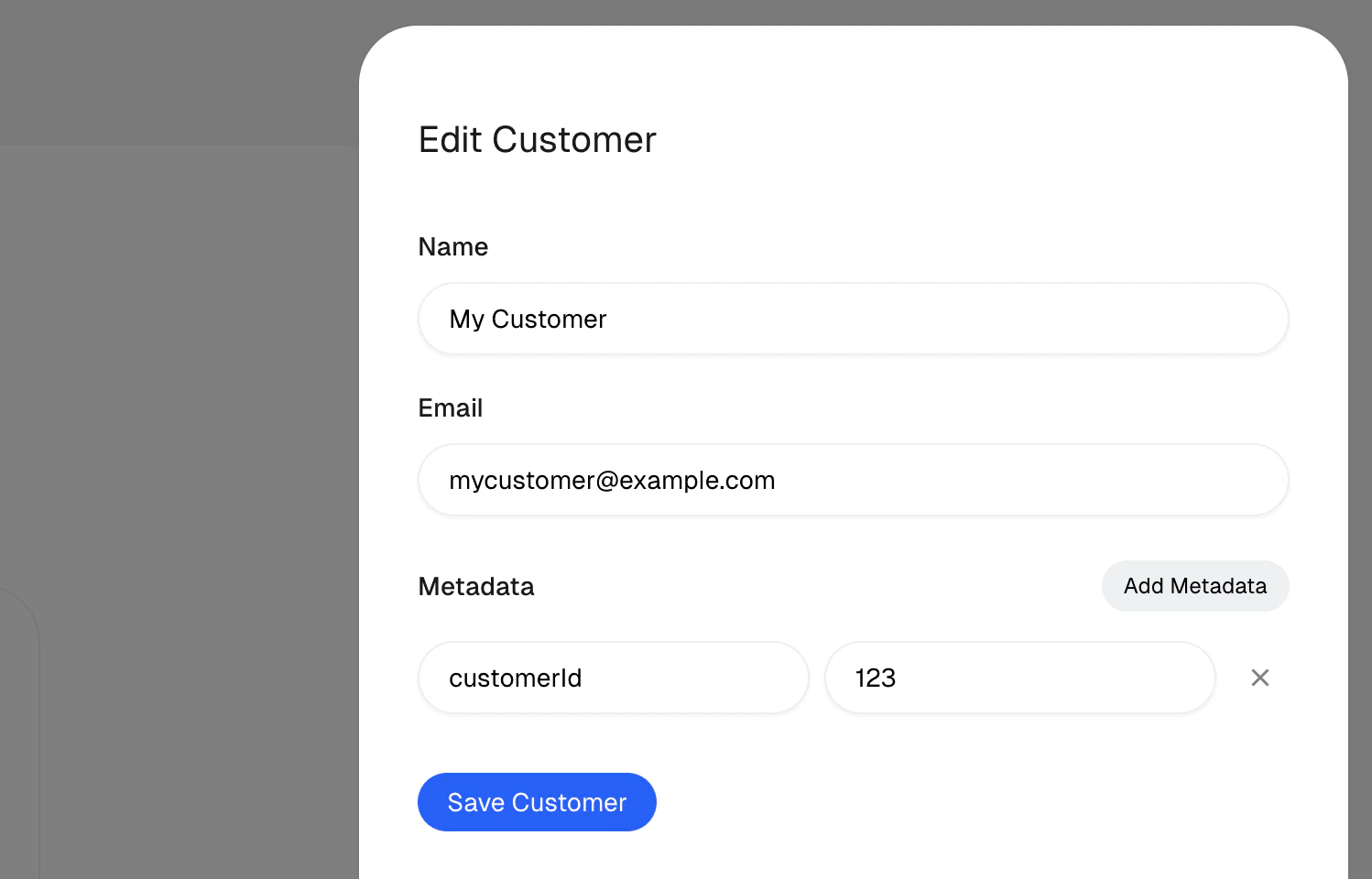
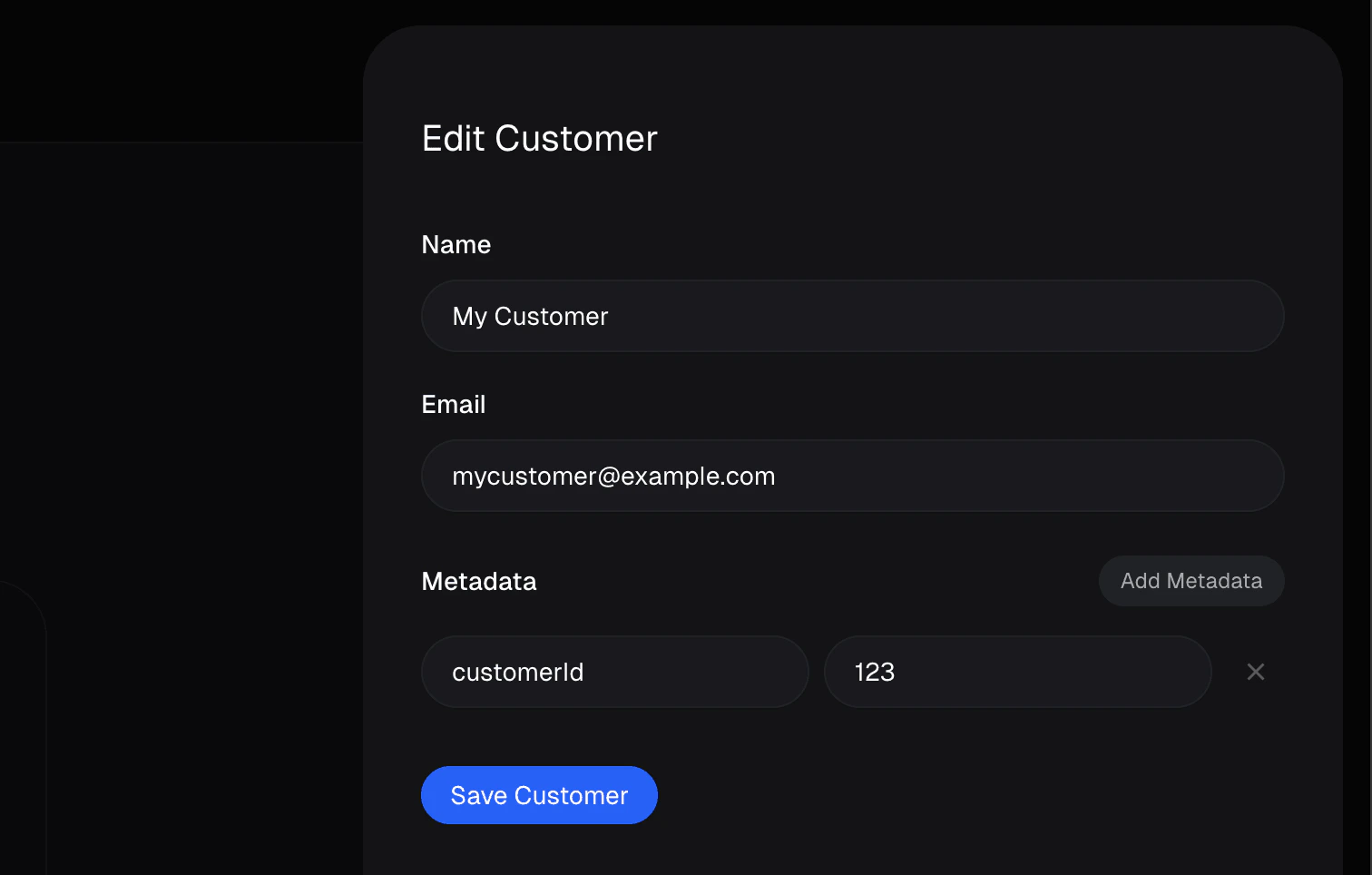
Writing Metadata
- Dashboard: Click edit on any customer profile card to update their details and metadata parameters.
- API: Pass custom JSON in the
metadatapayload when callingPOST /customersorPATCH /customers/:id.