

How it works
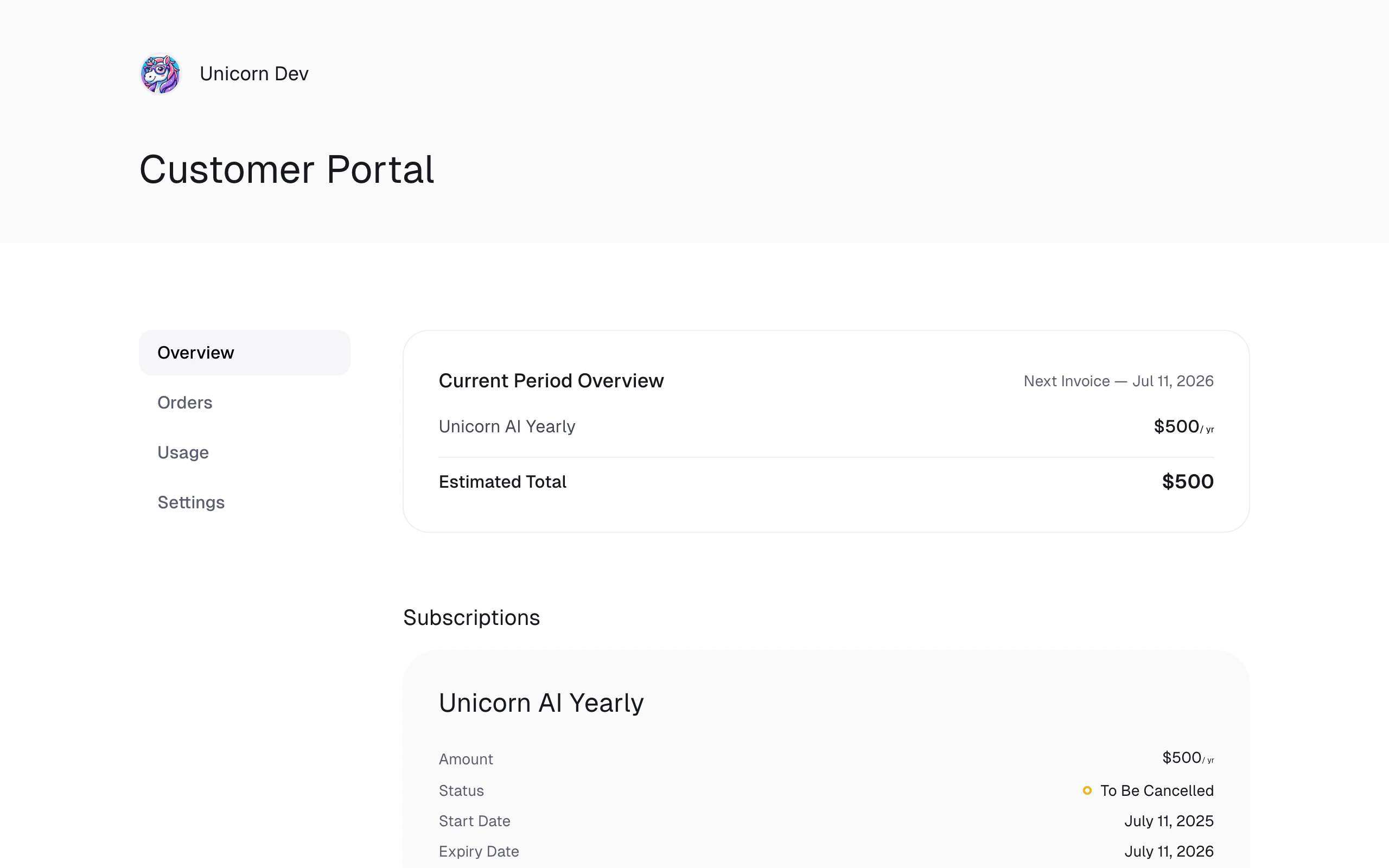
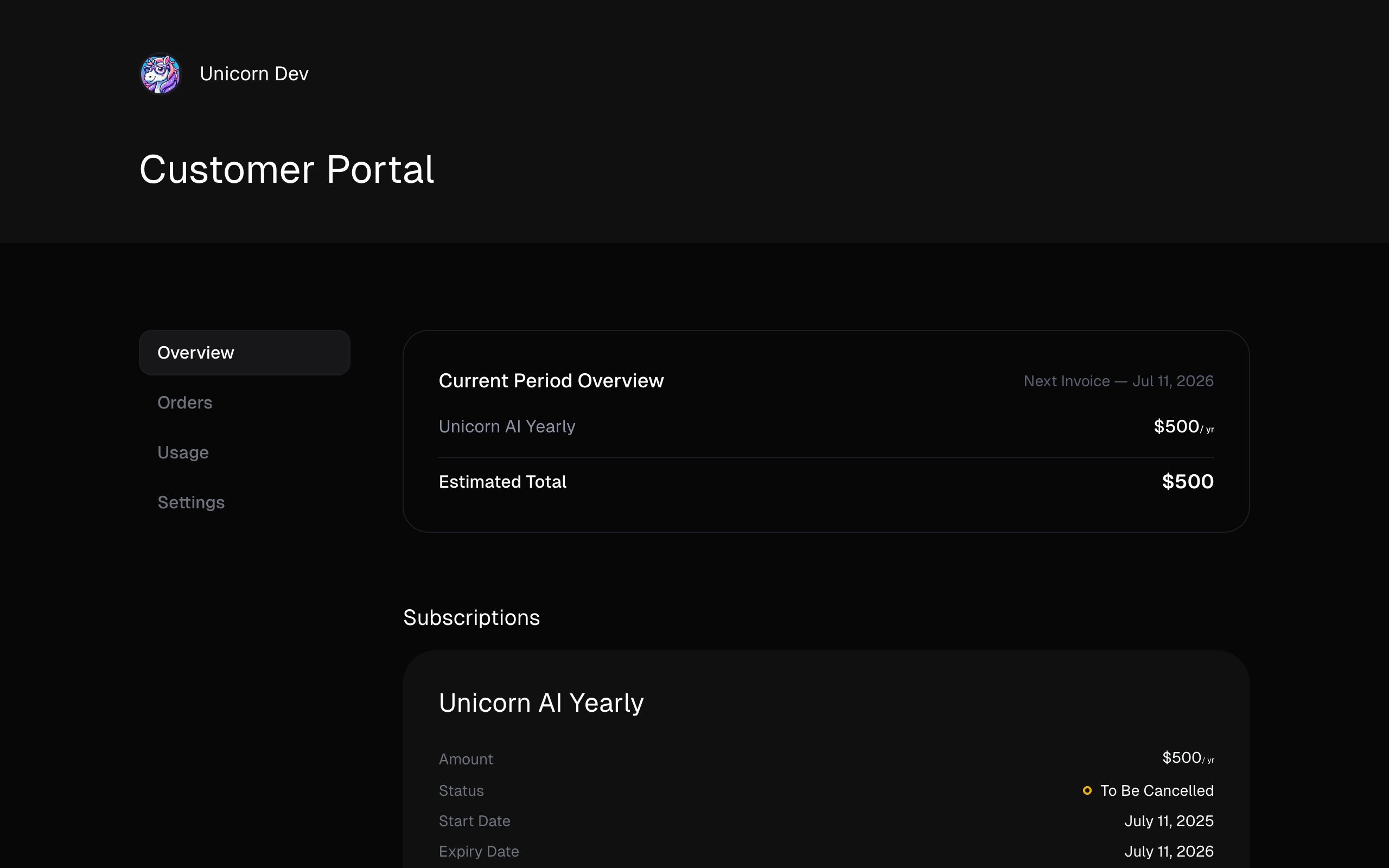
Solifyn uses a secure, passwordless Self-Service Shared Portal architecture:- Access Link: Instead of requiring customers to register passwords, they access their portal via a unique, tokenized URL:
https://app.solifyn.com/shared/{token} - Dashboard Generation: As a merchant, you can generate this link directly from the customer details card in your dashboard.
- Self-Service Actions: Once the customer opens their portal link, they can:
- View transaction history.
- Manage active subscriptions (cancel, renew, or adjust seat counts).
- Review refund timelines.
- Download PDF invoice receipts.
Generating Portal Links programmatically (API)
For a seamless user experience, you can generate these shared portal URLs from your primary backend application and redirect customers directly to their self-service portal.Endpoint
POST /customers/:id/share
API Request Example
API Response
url to grant them immediate, secure access to their billing portal.