

How it works
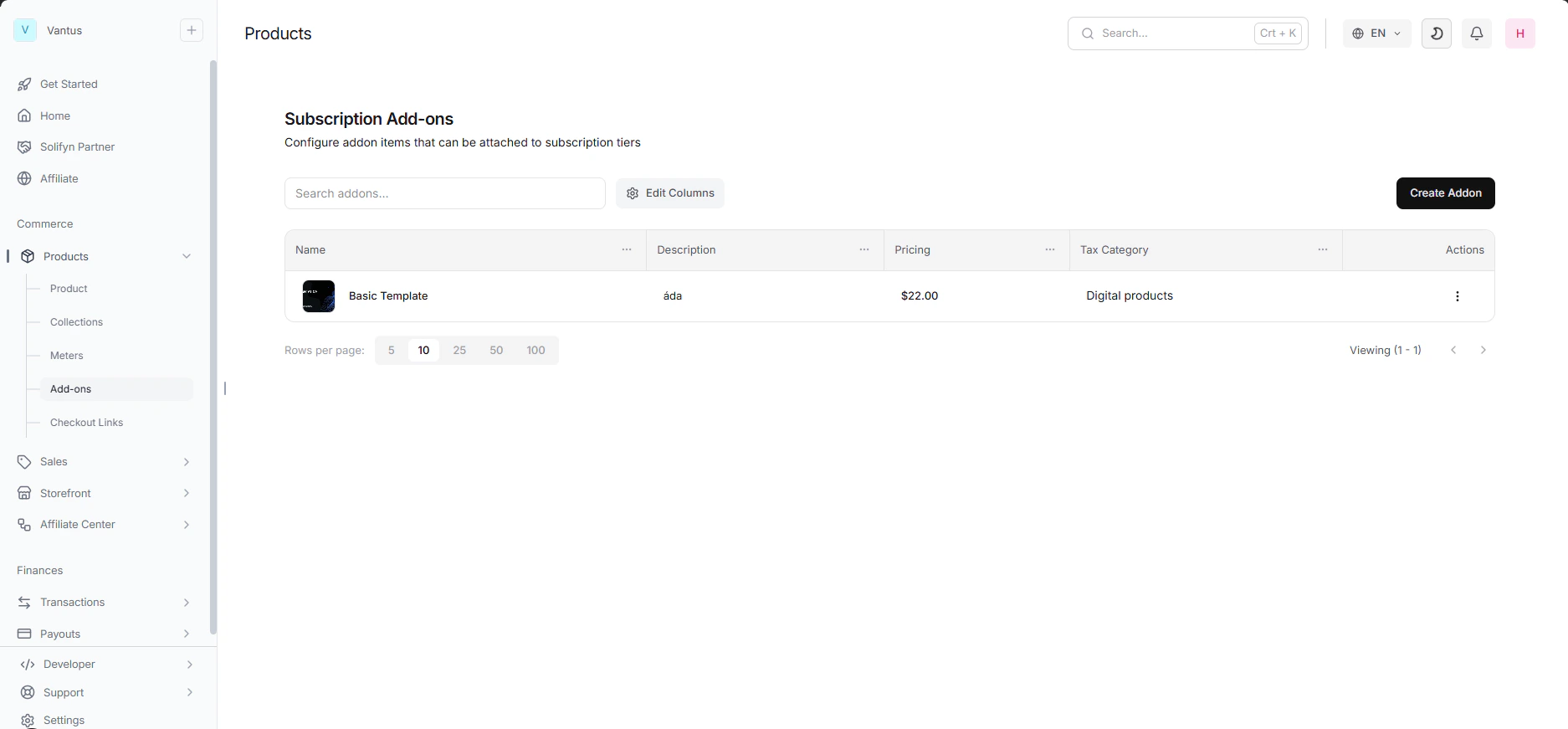
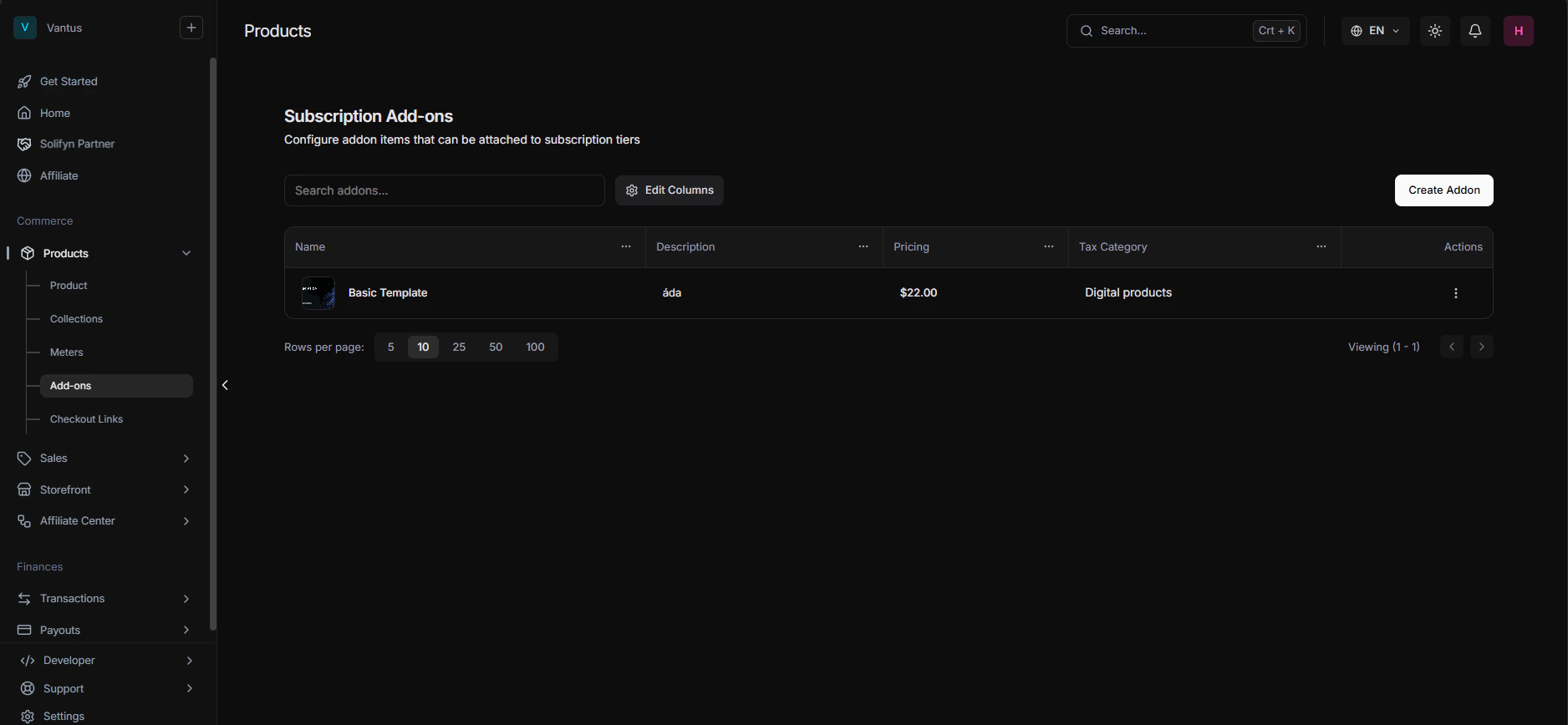
An Add-on is simply an existing Product that is associated with a “Parent” Product. When a customer purchases the parent product:- The checkout page lists the associated Add-ons.
- Customers can choose to add them to their cart, selecting the desired quantity.
- The total price is updated in real-time.
Configuring an Add-on
To associate an add-on, edit a product in your dashboard, navigate to the Add-ons section, and click Add Product. You can customize the following parameters for the association:- Product: The child product you want to offer.
- Minimum Quantity: The minimum number of units the customer must purchase if they select this addon (defaults to
0, meaning optional). - Maximum Quantity: The upper limit of units allowed (e.g. restrict to a maximum of 10).
- Price Override: Optionally override the default price of the child product when purchased specifically as an add-on to this parent.
- Is Seat Add-on?: Mark this toggle (
isSeatAddon = true) if this addon represents additional user seats. (See Seat-Based Pricing).
Managing Subscriptions with Add-ons
For recurring subscription products, customers can scale their add-ons (like adding/removing seats or storage) mid-cycle:- The billing manager can increase or decrease add-on quantities from their billing portal.
- Changes trigger a prorated charge or credit based on the remaining days in the cycle.