

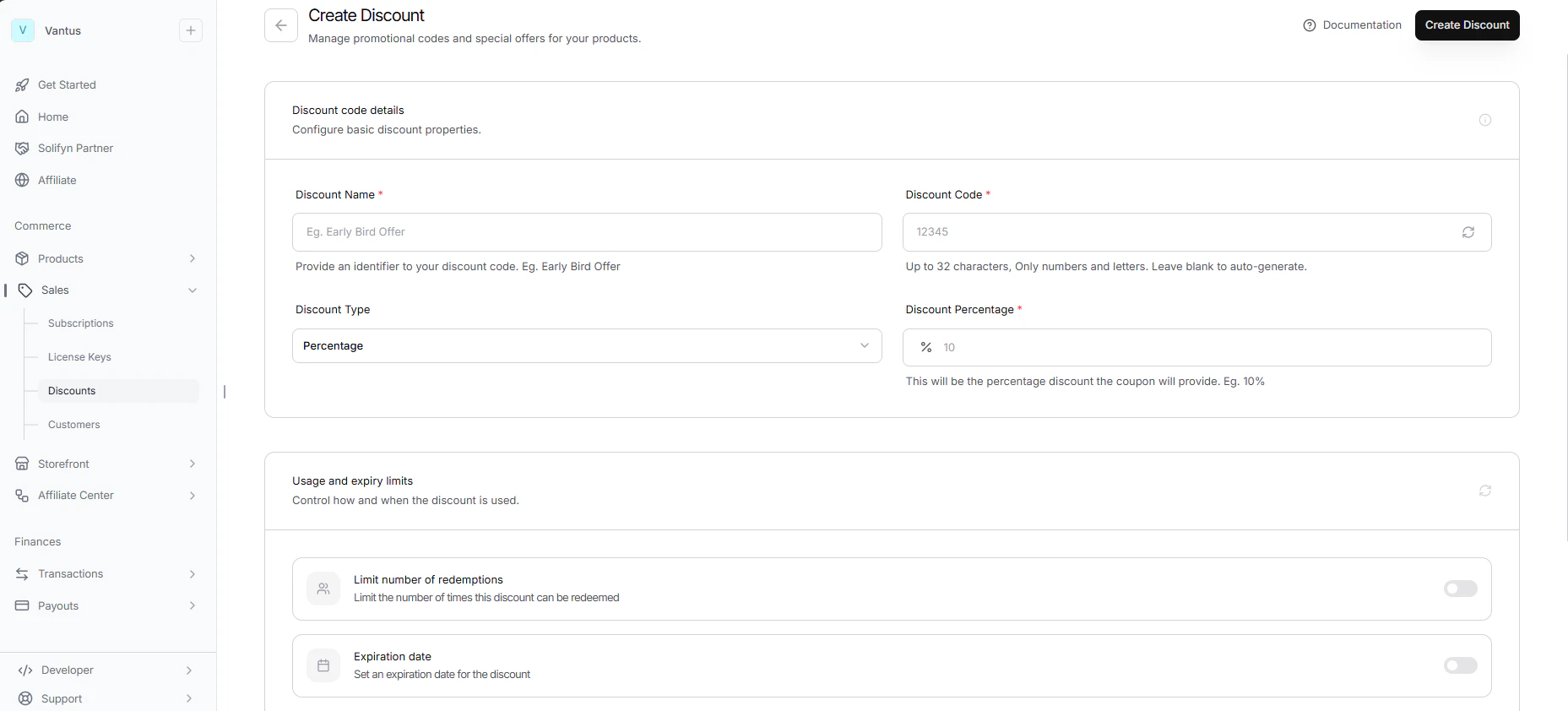
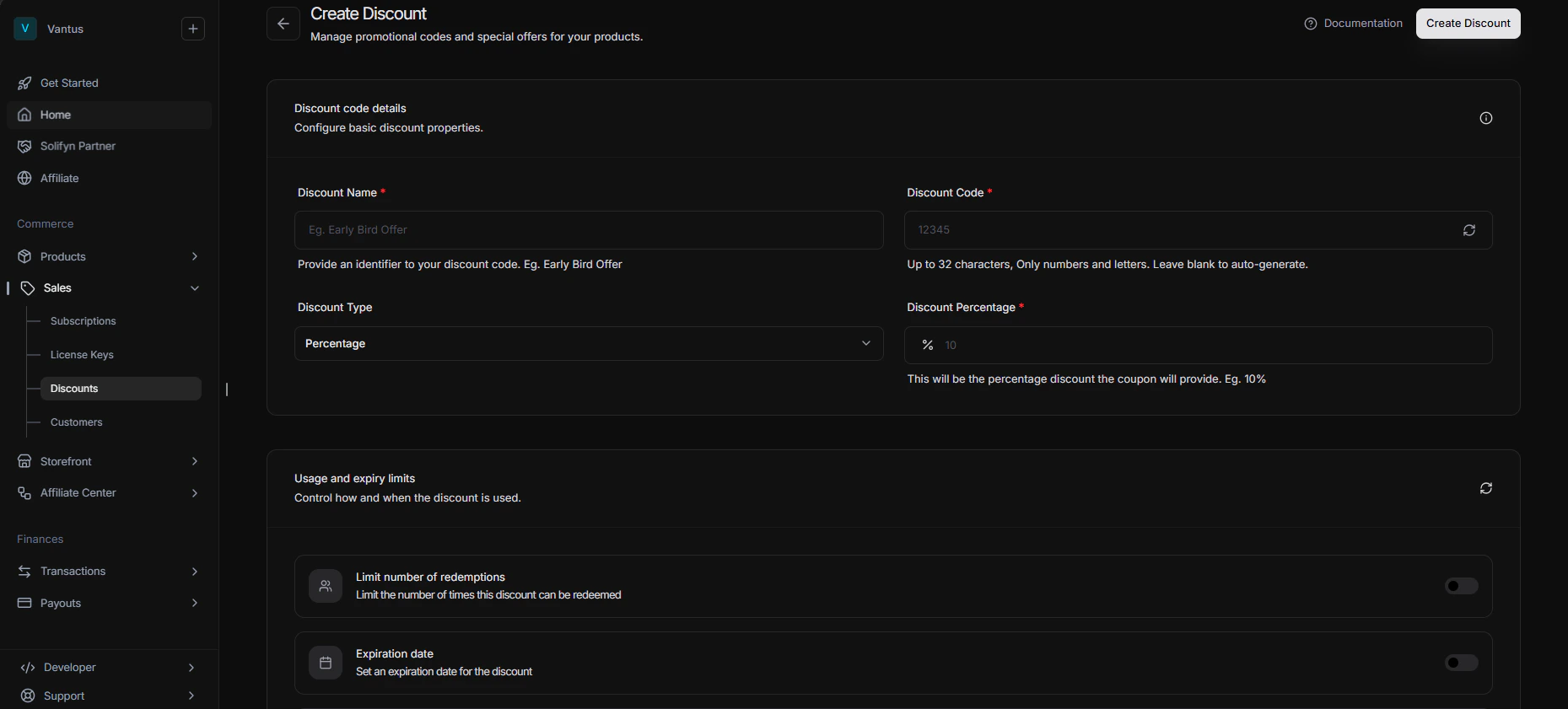
Creating a Discount
To create a discount, navigate to the Products page in your dashboard and click the Discounts tab. Click New Discount and configure:- Code: The unique alphanumeric string customers will input during checkout (e.g.
SAVE10). Codes are case-insensitive and automatically capitalized. - Name: A customer-facing description (e.g.
Summer Launch Sale). - Discount Type:
- Percentage: Deducts a percentage from the order total (e.g.
10for 10%, stored as 1000 basis points). - Fixed Amount: Deducts a set currency value from the total (e.g.
$10.00USD, stored as 1000 subunit-cents). Fixed discounts match your business’s default currency.
- Percentage: Deducts a percentage from the order total (e.g.
- Usage Limit: The maximum number of times this discount code can be successfully redeemed before it is automatically deactivated.
- Expiration Date: A timestamp after which the discount code is no longer valid.
Applying a Discount
Customers can redeem discounts in three ways:1. Manual Checkout Entry
During checkout, if discounts are enabled for the checkout link, customers can type the code into the discount box.2. API Programmatic Application
When creating a Checkout Session via the API, you can pass thediscountCode parameter in the request body.