

- Auto-Generated on Purchase: Customers automatically receive a unique license key upon successful checkout.
- Activation Limits: Limit concurrent activations per license key (e.g. restrict to 3 devices).
- Scale with Add-ons: Connect seat-based Add-ons to dynamically scale key activation limits.
- Expiry Options: Configure keys that expire after a specific time period.
Creating Products with License Keys
To issue license keys:- When creating or updating a Product, toggle Enable License Keys (
hasLicenseKey = true). - Optionally, specify the Activation Limit (maximum devices allowed concurrently).
- Optionally, add a custom Activation Message to display to clients.
Client API Integration
Solifyn provides client-facing REST endpoints to verify, activate, and deactivate license keys.1. Validate License Key
Use this endpoint to verify if a customer’s license key is valid, active, and has not expired.Terminal
Request Parameters
productId(string, required): The ID of the product.key(string, required): The license key string provided by the customer.
Response (200 OK)
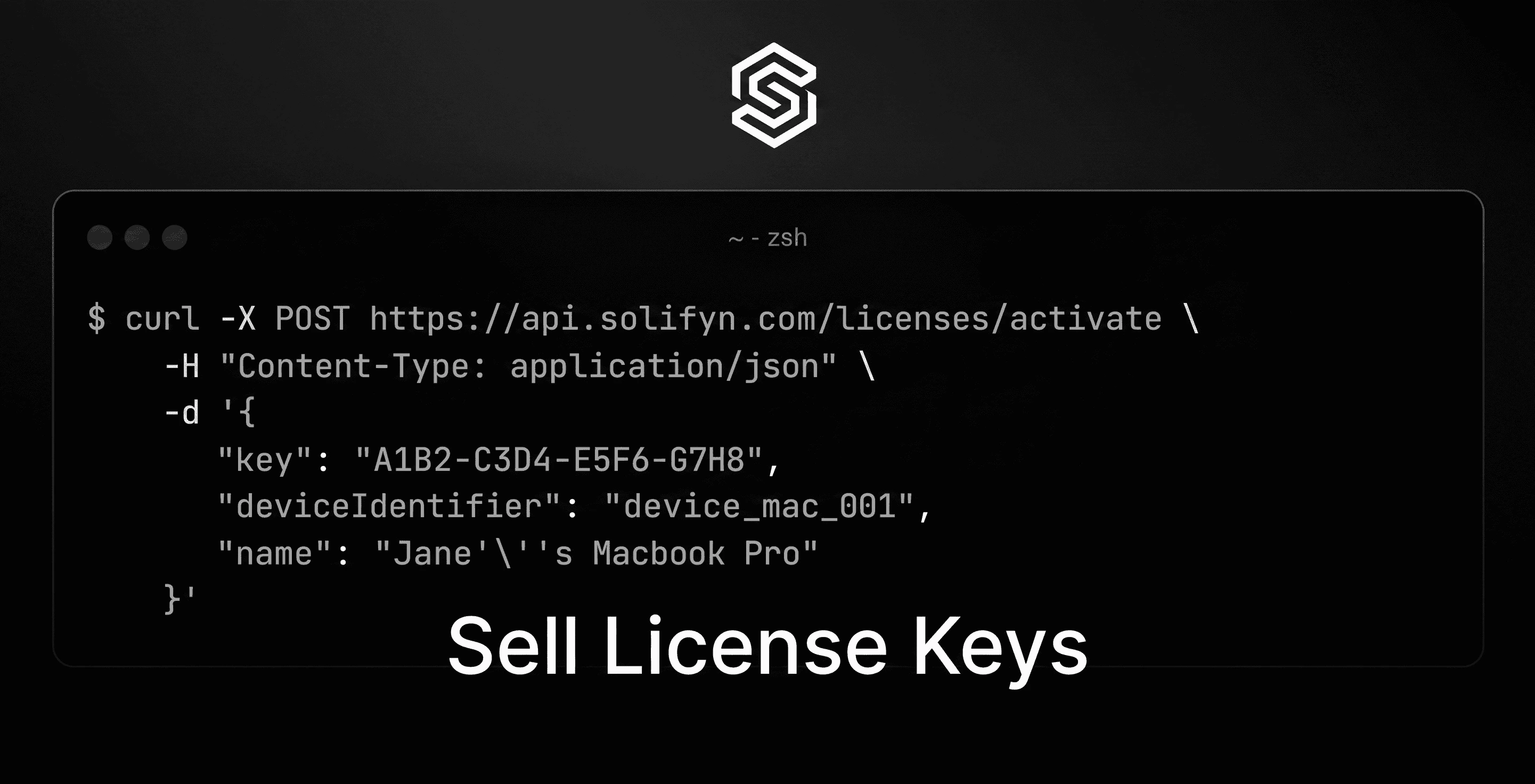
2. Activate License Key (Device/Instance)
If your product enforces an activation limit, your application must register each device activation prior to granting access.Terminal
Request Parameters
key(string, required): The license key.deviceIdentifier(string, required): A unique client-side identifier (mac address, hardware UUID, etc.).name(string, optional): A friendly name for the device instance.
Response (200 OK)
3. Deactivate Device Instance
To free up activation slots, your application can deactivate a registered device.Terminal
Response (200 OK)
4. Download files via License Key
If you associate downloadable digital files with your product, customers can securely fetch them using their license key:GET https://api.solifyn.com/licenses/download/:productId?key=:licenseKey