1

Create your first Business

To create your first Business, sign up on Solifyn.
2

Create another Business

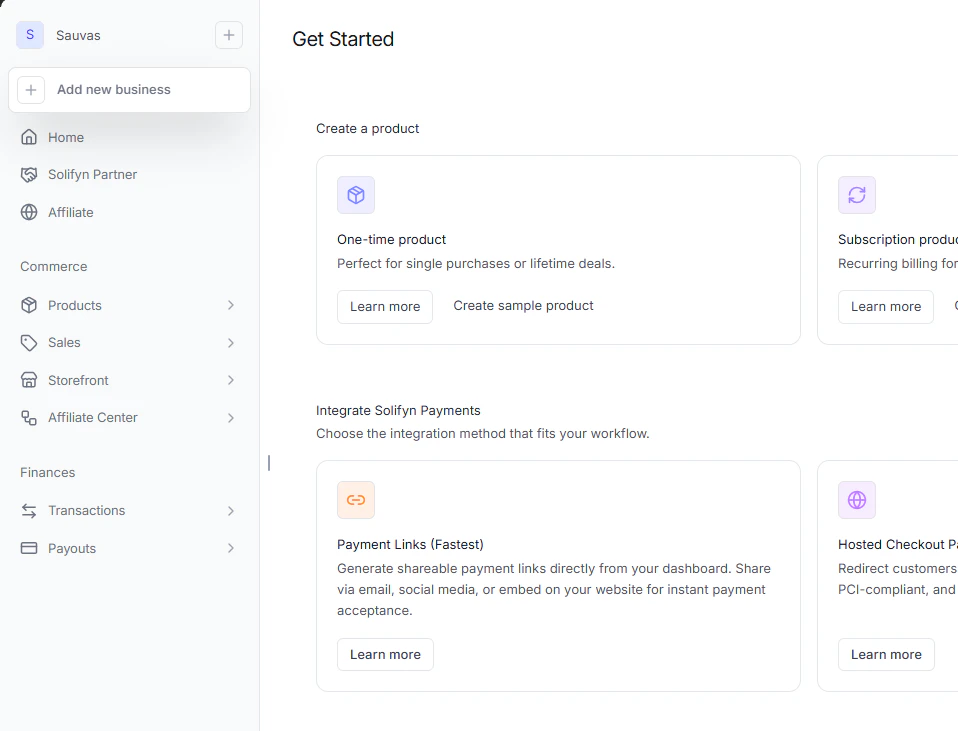
To create an Business in addition to your first Business, open the menu in the top left corner in the dashboard and click New Business.
3

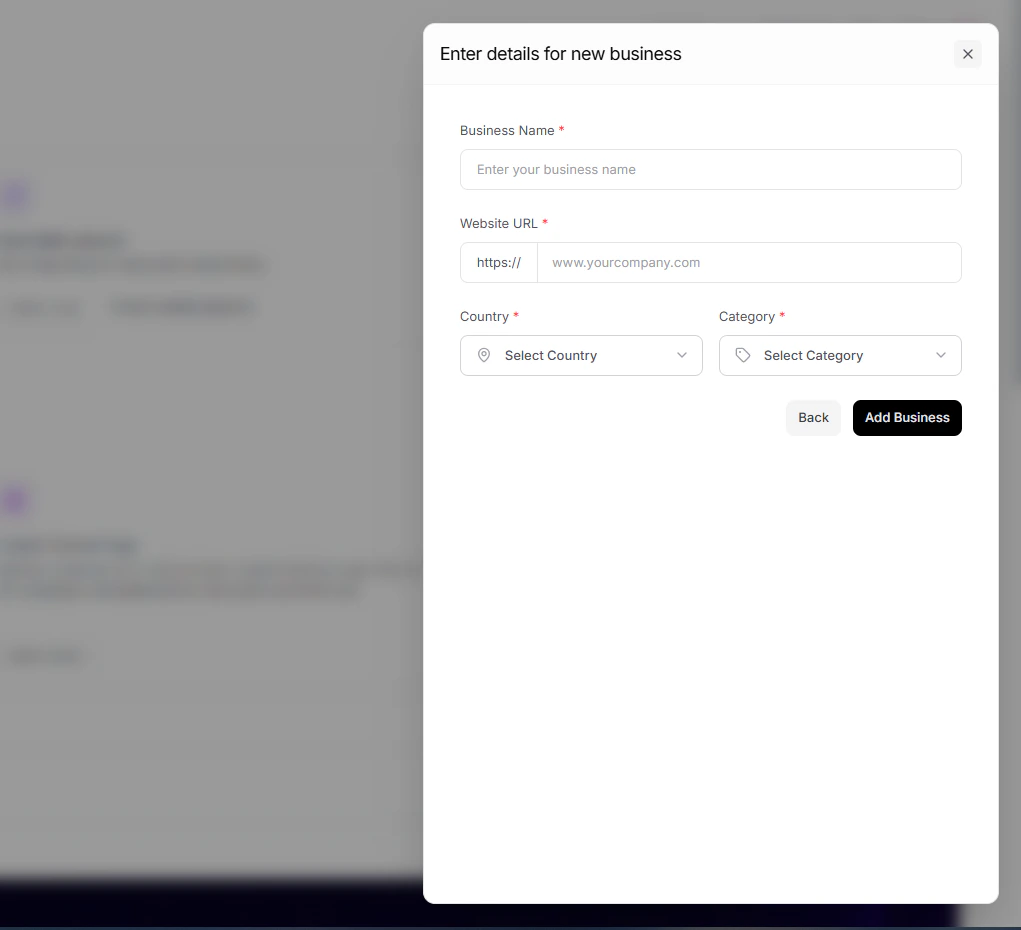
Fill in the information for the new organization

4

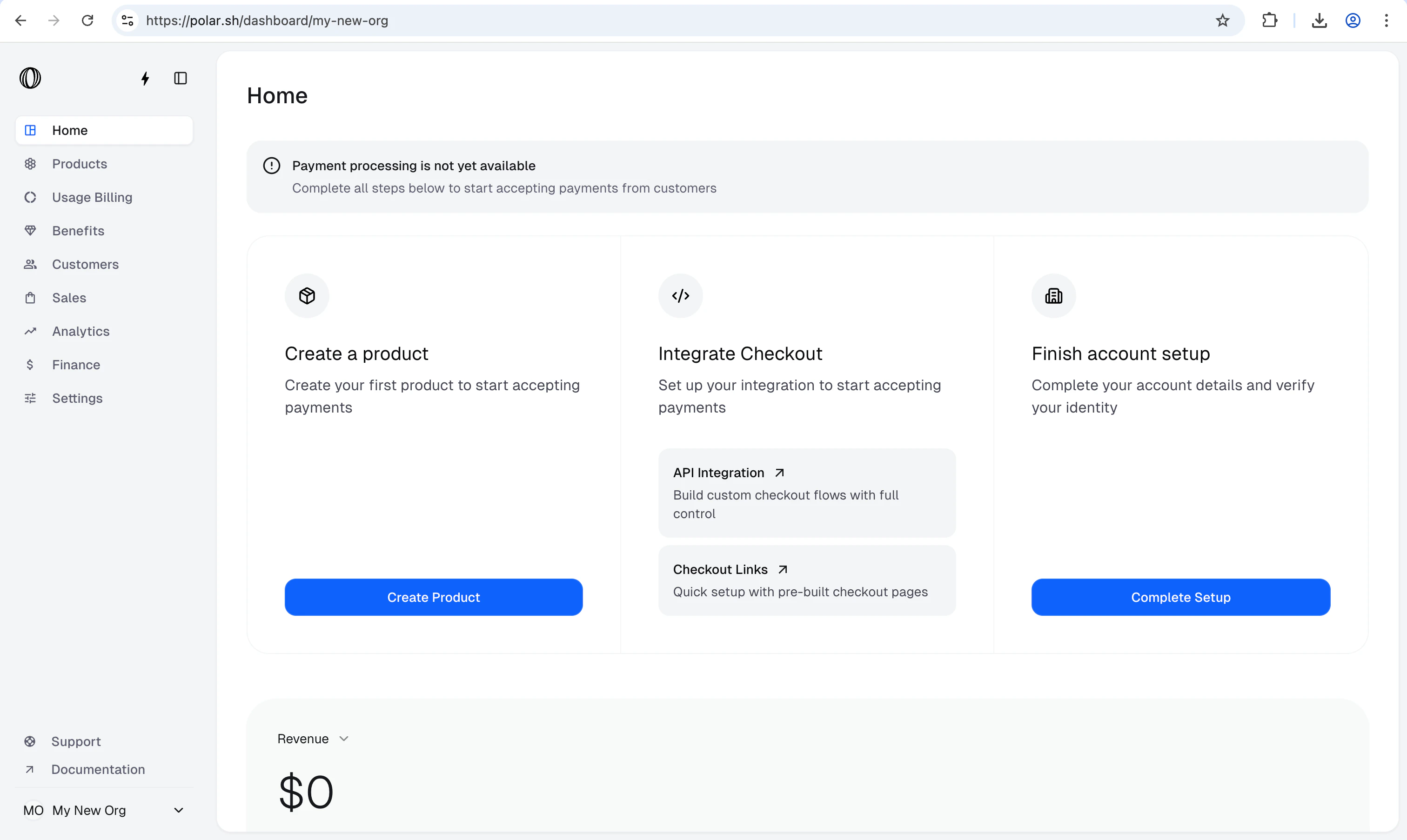
You've succesfully created a new organization!

5

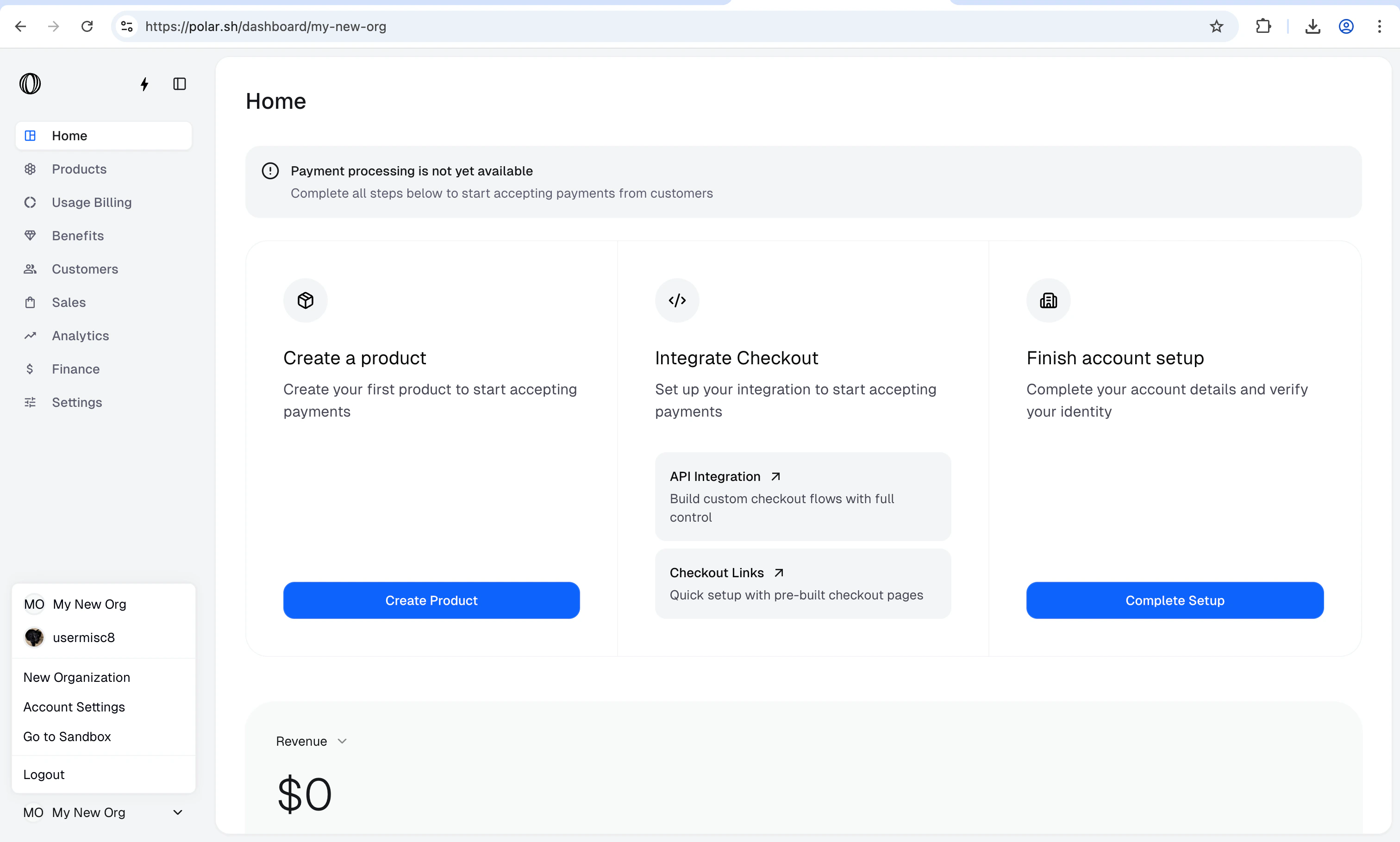
Switch between multiple organizations

Now that you have multiple organizations, to switch between then, just open the menu in the bottom left corner in the dashboard, and then select the desired organization you want to switch to.