

Generating a Checkout Link Manually
Solifyn provides a streamlined, no-code billing workflow that eliminates the need for complex server-side API tokens or OAuth Handshakes to initiate customer checkouts. Instead, you can construct a direct, high-conversion checkout link manually using your platform’s native Product IDs. Follow these simple steps to build your checkout routing structure:Create your Product
Navigate to your organization dashboard and create your digital software tier, content tier, or physical item within the catalog builder interface. Ensure you define your pricing model, billing cycle, and fulfillment actions.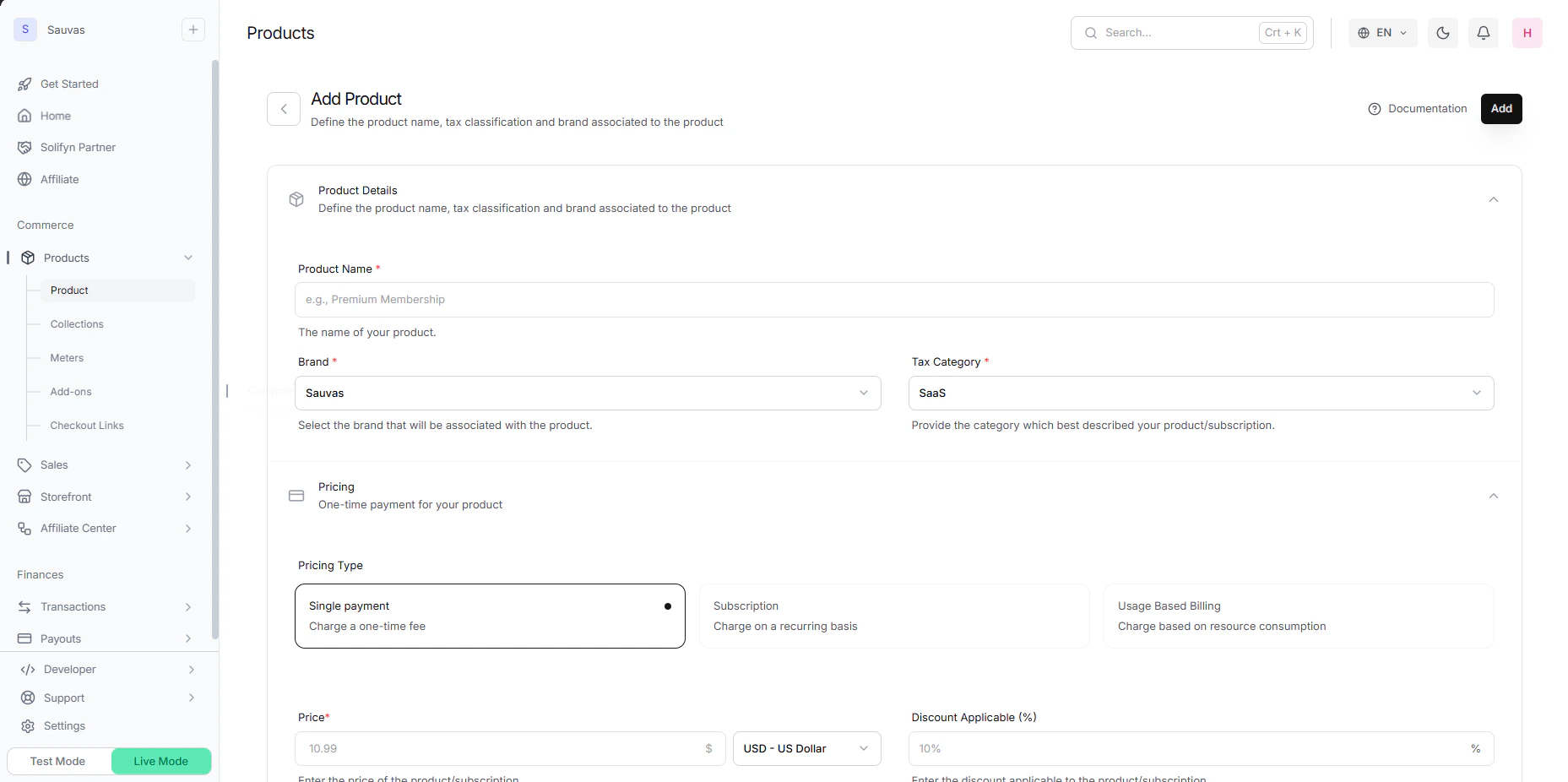
Retrieve your Product ID
Go to the Products list view inside your Solifyn developer console dashboard. Locate your newly configured item, open the settings configuration array, and copy the unique product identifier string beginning with the 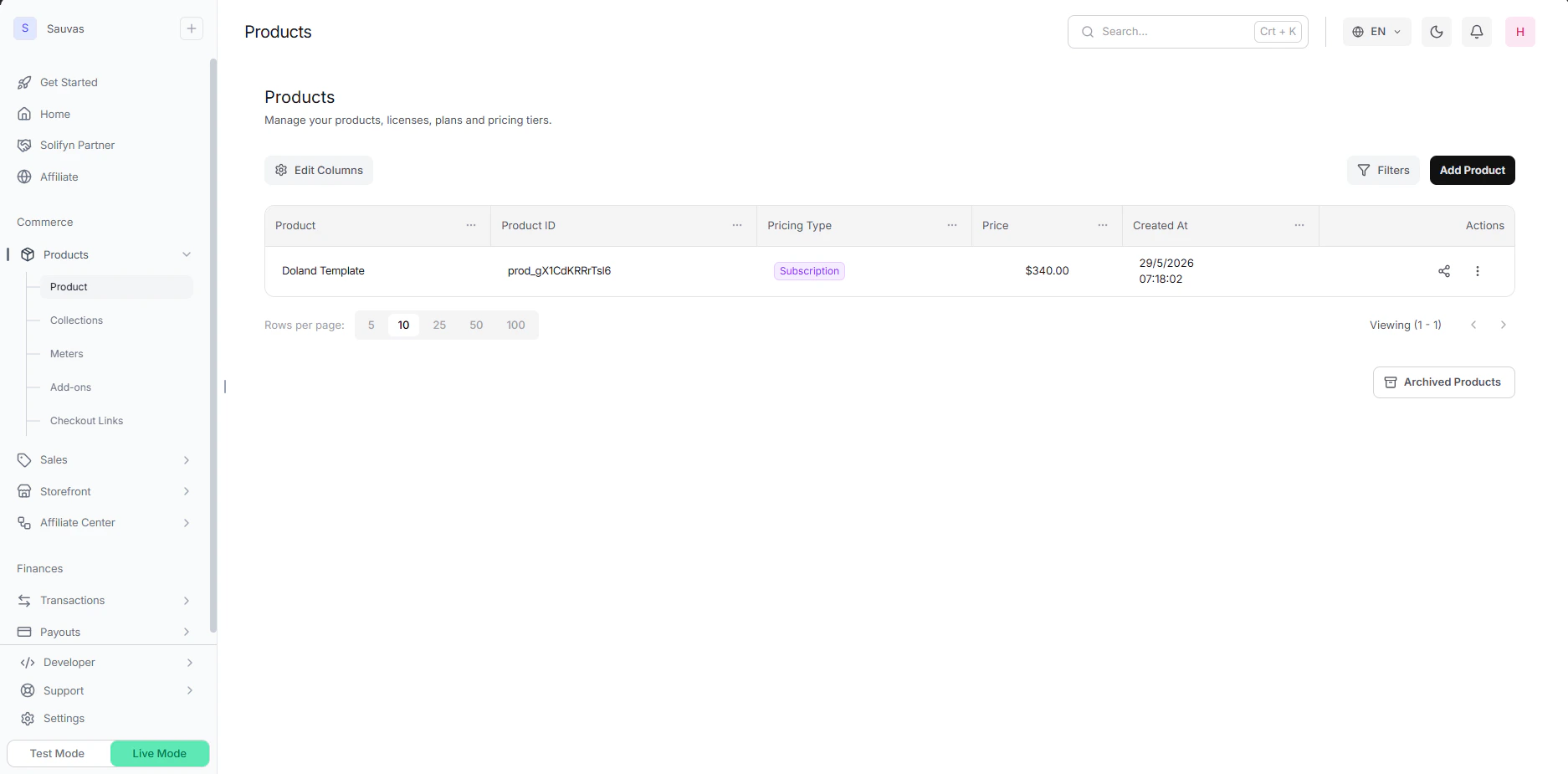
prod_ prefix (e.g., prod_6X9zR2).Construct the Checkout URL
To deploy the checkout sequence for your consumers, append the copied Product ID (
prod_xxxxxx) directly onto your local environment or production distribution routing template.Construct your routing layout following this exact URL structure:Production Deployment: When you are ready to migrate your storefront execution from your local development engine (
localhost:3000) to your live server ecosystem, simply swap out the base origin domain with your official production checkout routing URI.Technical Flow Overview
When an end-user navigates to your constructed checkout route:- Our client-side architecture reads the
prod_parameter directly from the route sequence. - The dashboard context fetches the real-time product schema, destination tax matrix, and fulfillment configuration attached to that ID.
- The system serves an optimized checkout experience instantly, without requiring any background backend token handshakes or API calls.
<a> anchor tags or client-side redirect hooks to initiate an immediate transaction loop.